· Desktop Chrome · Signed out
Why choose RetypeImage?
Edit one line in a finished JPG or PNG and download a watermark-free PNG at the same dimensions. We put that workflow to the test with a coffee label and checked how other tools handled the same image.
Try this coffee labelOne coffee bag. The same change.
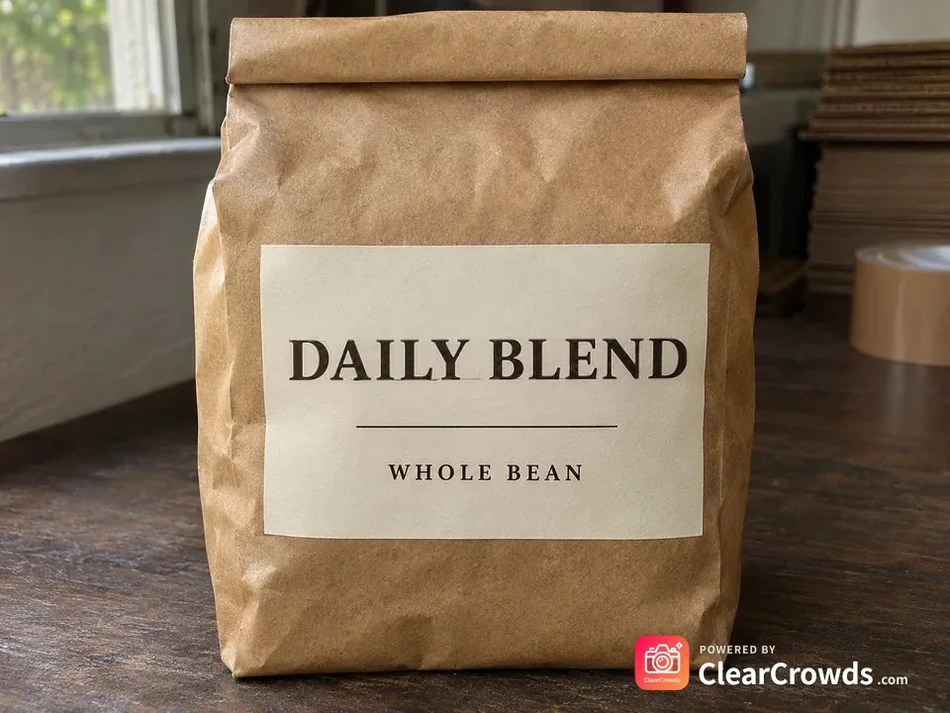
We uploaded the same 960 × 720 JPG and changed HOUSE BLEND to DAILY BLEND. We checked that the smaller WHOLE BEAN line, divider and paper label remained intact. The crops below show the edited area at a larger scale.
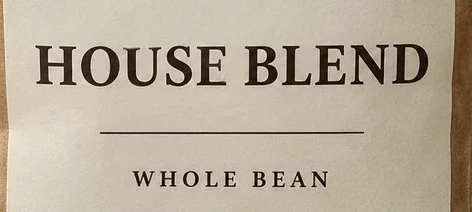
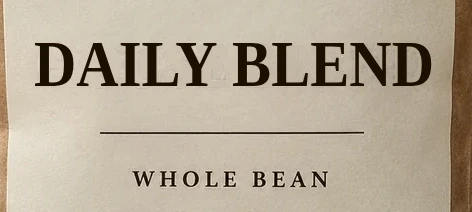
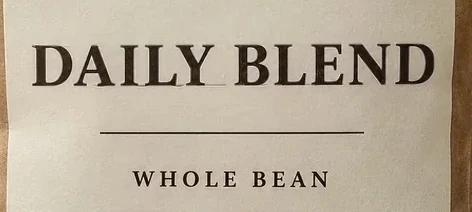
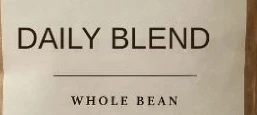
See what improved in RetypeImage
Previously, automatic matching chose a monospaced font on this file. The new matcher compares the shape of the original letters with renderings in the available fonts. Its match is still approximate. The editor lets you choose the font and weight yourself.
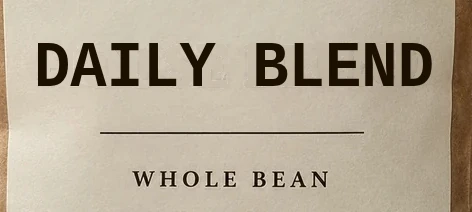
What each workflow let us finish
| Tool | Editing steps observed | Export or stopping point |
|---|---|---|
| RetypeImage | Upload, choose the detected line, enter the replacement and preview. Original and Result views let you check the label before downloading. | Downloaded a watermark-free 960 × 720 PNG while signed out. A pixel comparison found no changes outside the selected region on this input. |
| ClearCrowds | Upload, choose the line, enter the new words and preview in Photo mode. Its first result kept proportions close to the original. | Downloaded a 960 × 720 JPG with a watermark on the first run. The repeat reached the same detected line, then showed an upgrade prompt at preview. |
| PhoText | Upload, choose the line, open Manual edit and type the replacement. The editor offers better control over rotation and spacing than our current workspace. | First-run preview was visible. Download required sign-in. The repeat did not get beyond the upload control in this session. |
| ReWords.AI | Upload reached the reading stage before a sign-in prompt in the first run. | No finished image collected. The repeat confirmed the public sign-in and upload entry points. |
| EditTextImage | Offers fields for old and new words. The generation control showed a sign-in requirement on both visits. | No finished image collected. |
| Canva | The Grab Text landing page offered an upload. Following it opened a login or registration dialog in the first run. | No finished image collected. The repeat confirmed the public upload entry point. |
We compared the available signed-out paths. We did not test paid modes or score output quality where we could not see an edit. The coffee result does not establish a ranking for every font, image or tool.
When automatic selection misses the first letters
On the mug, OCR detected DIO EDIT and missed the first three letters of STUDIO EDIT. The shaded box and its close-up show the crop before any pixels are changed. Use Adjust box to move the corners, then check Original words and preview again. On a keyboard, the corner buttons use the arrow keys. Hold Shift for a larger move.
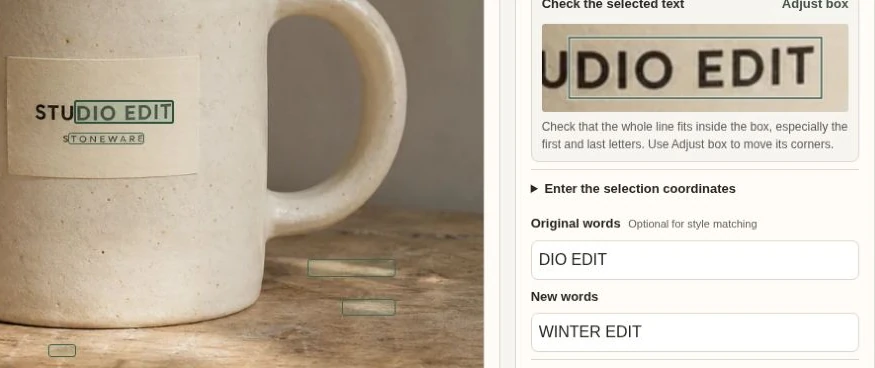
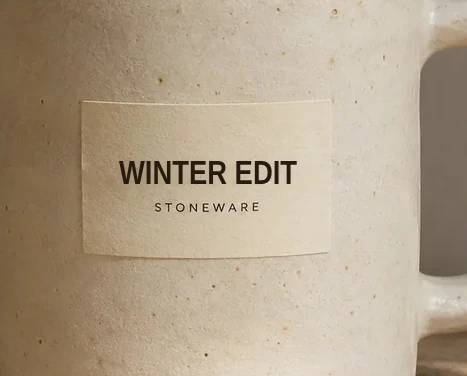
Try the mug sample or watch the editor walkthrough. The built-in sample starts with a prepared full-line selection. You can try OCR on your own JPG or PNG.
What happened on three independent photos
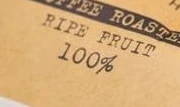
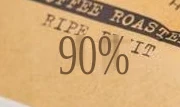
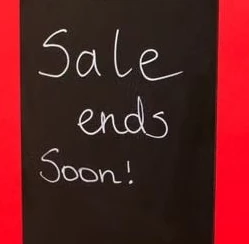
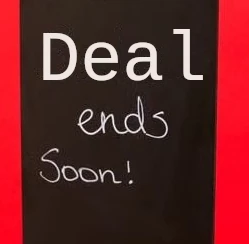
We also used three new stock photographs to check the same editing engine on angled print, handwriting and wrinkled paper. Each test used a manual selection and automatic font settings. The saved images kept the same dimensions and the pixels outside the selected boxes.
Choose RetypeImage for a quick, local edit
It fits straight, readable text on a flat or lightly textured label, screenshot or graphic. Try your image if you need to keep the original dimensions and download without an account. Inspect angled text, handwriting or complex paper textures closely before using the result.
Edit your image